Watching IPTV on a Home Projector: What to Know
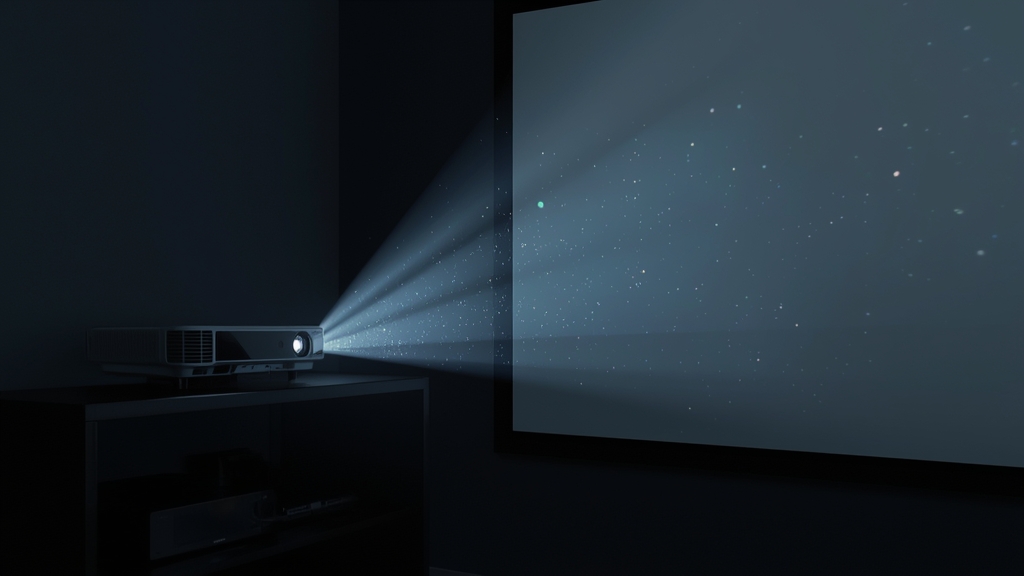
A home theater projector displays IPTV exactly the way a TV does — it just needs an HDMI source feeding it a signal. Whether that source is a built-in smart platform or an external streaming stick depends on which projector you own.
Smart projectors with an app store
Newer Android TV-based projectors can install a Layerseven-compatible IPTV player directly, the same way an Android TV box does. Check the projector's settings for its OS name; if it says Android TV or Google TV, you likely have full app store access already.
Basic projectors: use an external streaming stick
If your projector is a simple HDMI display with no smart features, plug in a Fire TV Stick the same way you would on a dumb TV — see our Firestick install guide. Mind cable length: a cheap, long HDMI extension can introduce signal dropouts at 4K, so use a certified high-speed HDMI cable rated for the distance and resolution you need.
Power and Wi-Fi placement
Projectors are often mounted farther from the router than a TV would be — ceiling-mounted units especially. A weak Wi-Fi signal at the mounting point causes the same stutter covered in our buffering fixes; a Wi-Fi extender or a long Ethernet run to the streaming stick solves it.
Picture quality on a big screen
Projected images amplify compression artifacts more than a 55-inch TV does simply because of scale. Confirm your connection meets our 4K streaming requirements before movie night if you are projecting onto a 100-inch-plus screen.