The Best Router Settings for Smooth IPTV Streaming
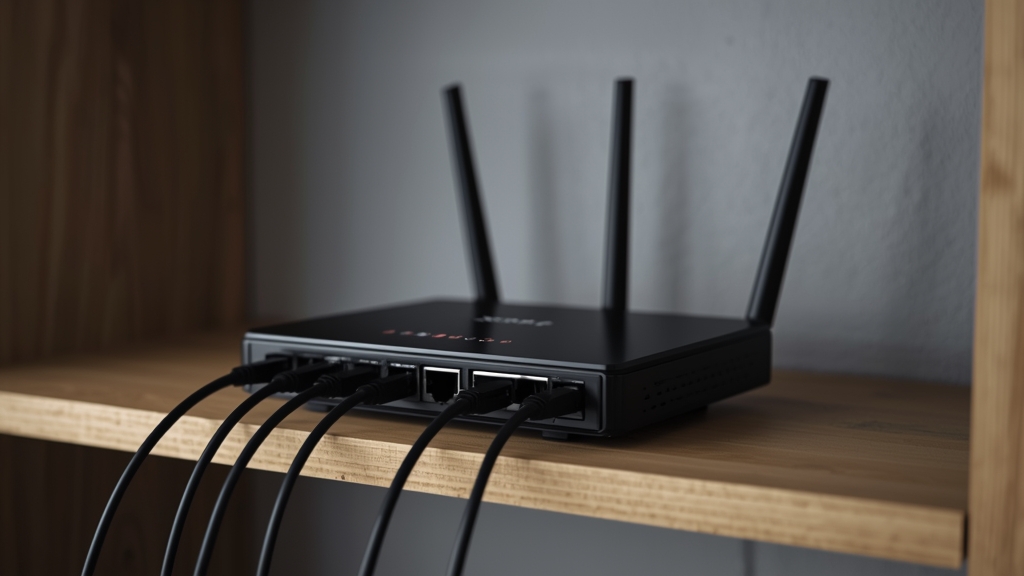
Most day-to-day IPTV reliability problems trace back to router configuration rather than your internet plan itself. A handful of settings changes, most of them a one-time fix, resolve recurring stutter far more permanently than repeating the same restart every week.
Enable Quality of Service (QoS)
Quality of Service settings let you prioritize streaming traffic over background downloads and uploads on the same network. Most routers from the last several years expose a QoS or "Smart Connect" panel — enabling it and prioritizing your streaming device's IP address prevents one family member's large download from starving the TV's stream.
Use the 5 GHz band, or better, Ethernet
The 2.4 GHz band is more crowded and prone to interference from neighboring networks and household electronics. Moving your streaming device to 5 GHz, or running a wired Ethernet connection where possible, is the single highest-impact change most households can make — this is step two of our full buffering checklist.
Set a wider channel width and update firmware
In advanced Wi-Fi settings, an 80 MHz channel width on 5 GHz gives more headroom for 4K streaming than the default 20 MHz used on older configurations. Also check for a firmware update in your router's admin panel — manufacturers regularly patch throughput and stability bugs that affect streaming specifically.
Router placement still matters
No setting compensates for a router buried in a closet. Central, open placement away from thick walls and other electronics remains the cheapest reliability upgrade available, and it compounds with everything above — see our 4K requirements guide for the bandwidth target you are aiming to sustain once these changes are in place.